Technical Support Handling
The Technical Support menu at the bottom of the left sidebar (Notice Board / FAQ / 1:1 Admin Inquiry) is a "questioning channel" for end users but a handling / publishing channel for administrators. This chapter covers how admins operate these three areas.
Refer to User Manual · Technical Support for basic usage (screen layout, filters, search, CTA). This chapter focuses on authoring, handling, and status transitions — actions that require admin permissions.
Notice Board (Authoring)
Where you publish system notices to users.
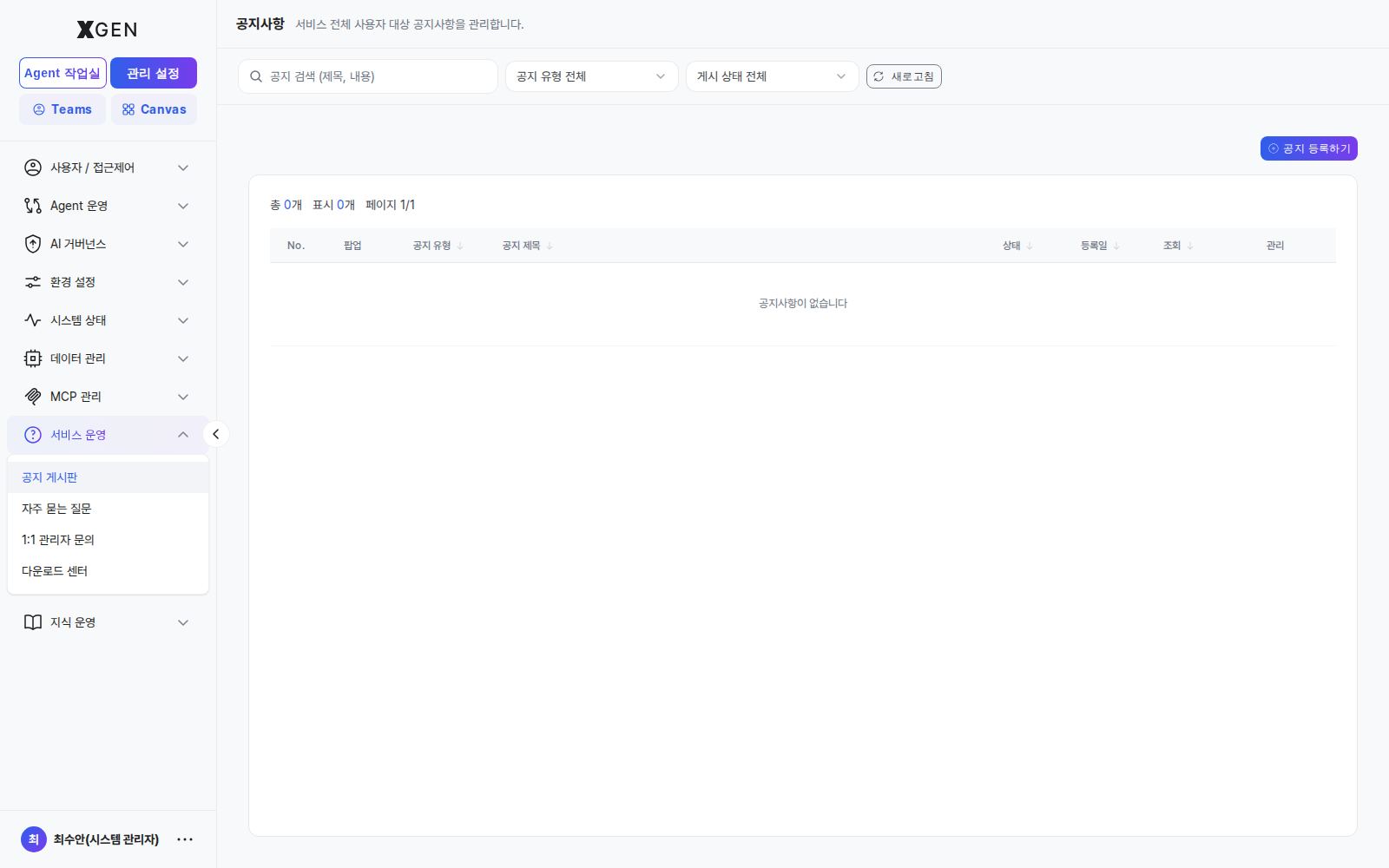
Permissions and Behavior
- Create / update / delete: requires
main.support-notice:manageor higher - The tag value drives the user-side filter (
all / notice / update / maintenance / event) directly — misclassification hides the notice from users. - Toggling Pinned surfaces the notice at the top of the user list.
- New notices automatically populate the dashboard Latest Updates widget (visible to all users, most recent 3).
Authoring Notices
- Publish maintenance notices at least 24h before the window — tag =
maintenance, with maintenance time and impact scope at the top of the body. - Always pin high-impact changes — outages, session resets, policy changes
- Edit existing notices for follow-ups, don't stack new ones — reduces notification fatigue
- One meaning per tag — share team-internal definitions:
update= product update,event= campaigns,notice= general - Write titles / leads from the user's POV — the first line is what shows on the dashboard widget; prefer outcome-oriented phrasing like "X feature changed" / "Y maintenance scheduled"
FAQ (Authoring)
Where you promote repeated 1:1 inquiries into self-service entries to reduce response load.
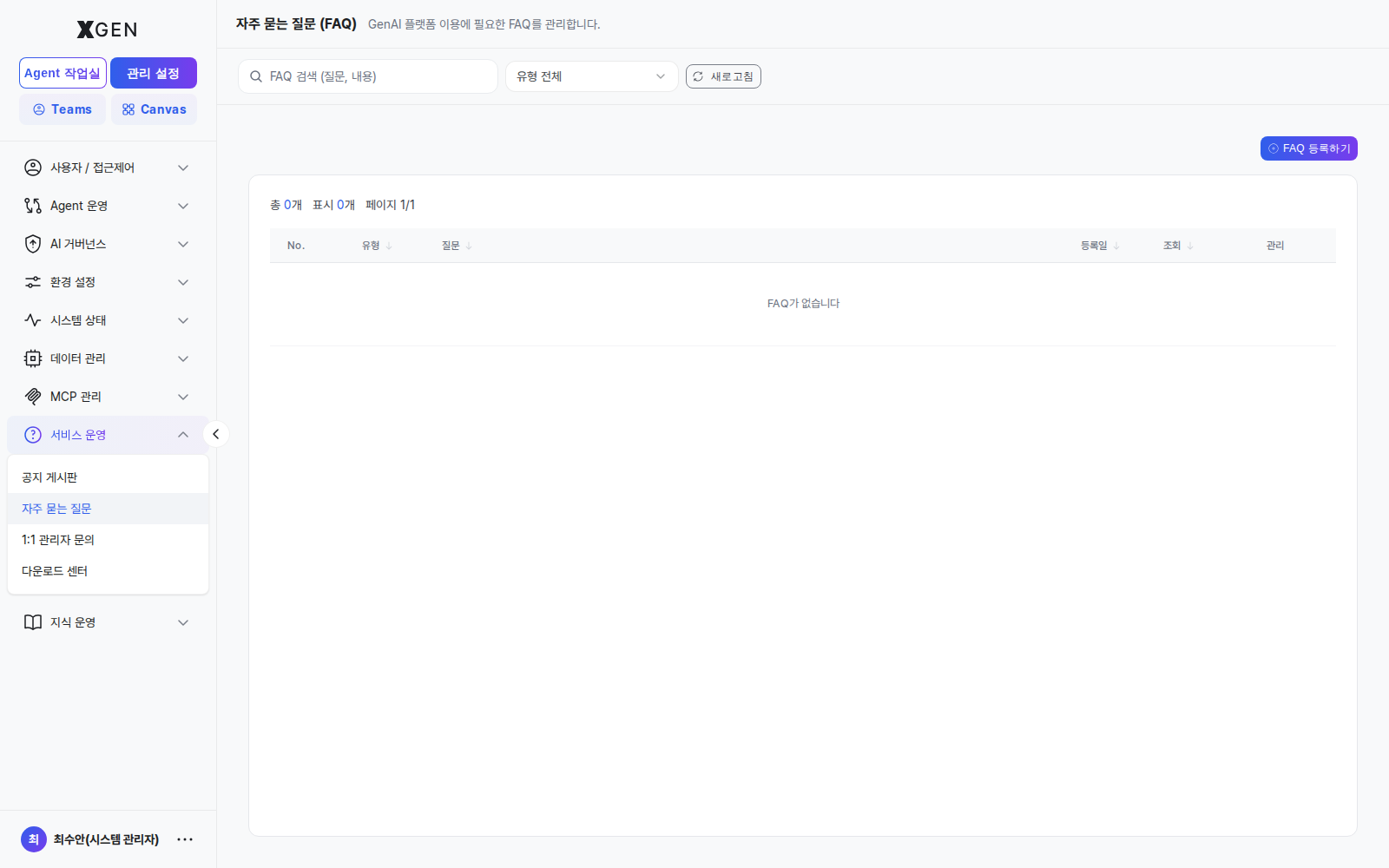
Permissions and Behavior
- Create / update / delete: requires
main.support-faq:manageor higher - Six categories (
GENERAL / ACCOUNT / BILLING / TECHNICAL / USAGE+ OTHER) — map directly to the user-side category filter - Default sort is by view count (same data source as the dashboard FAQ widget)
Authoring FAQ Entries
- Promote after 3+ similar 1:1 inquiries — if similar category/symptom inquiries arrive 3+ times, register as FAQ
- Write answers in second-person, procedural form — "Click X in the sidebar, then press Y" so users can follow exactly
- Use exact menu paths and button names — match the actual UI strings (e.g., quote "New inquiry" verbatim)
- Share new FAQ entries via internal channels right after publishing — without initial views the entry won't surface on the dashboard widget; bootstrap views via internal posts
- Quarterly / semi-annual FAQ review — verify screenshots and paths are still valid; archive low-traffic items
1:1 Admin Inquiry (Handling)
Where you receive, process, and answer user inquiries. The most direct channel — SLA, routing, and answer quality directly impact user satisfaction.
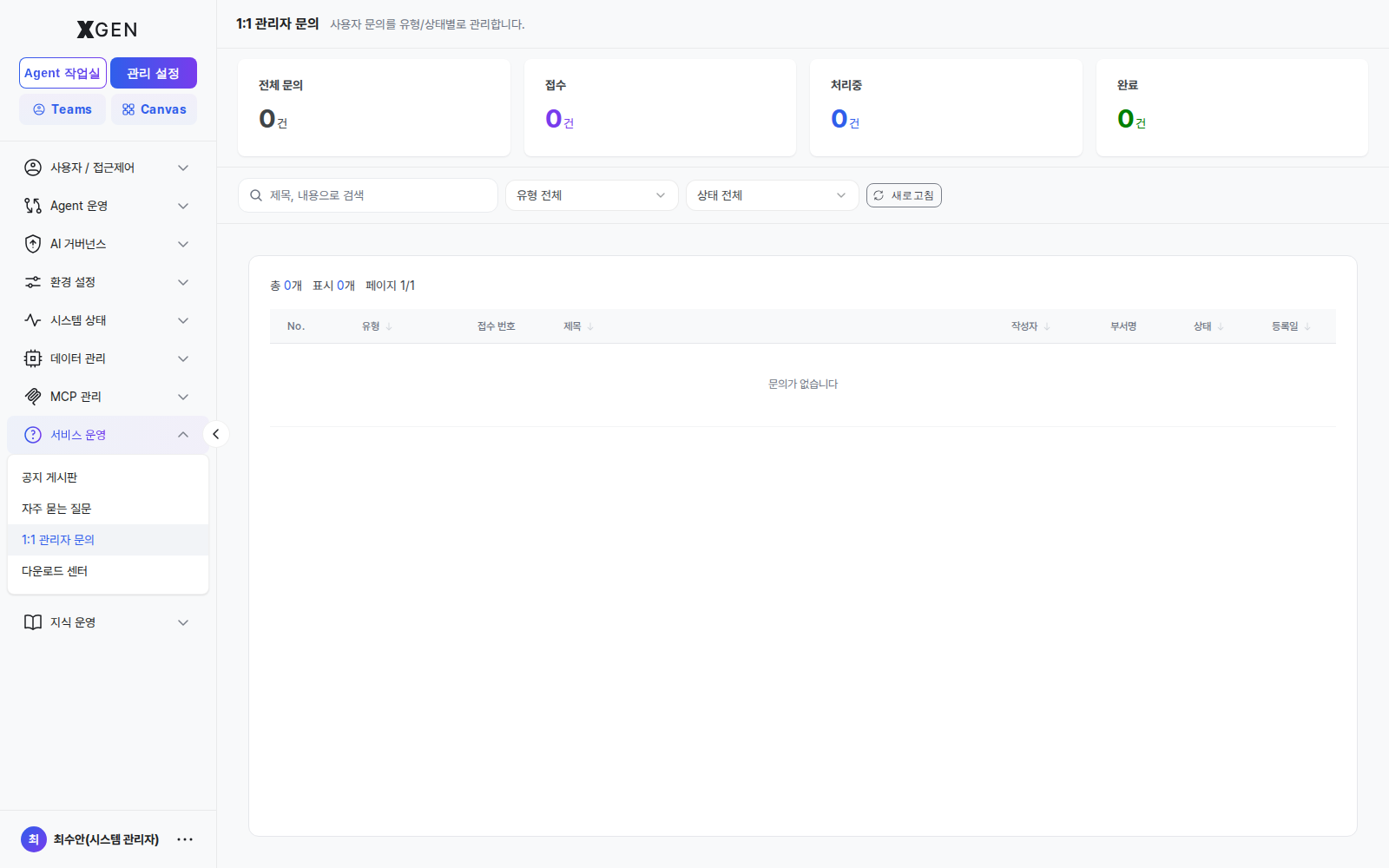
Permissions and Behavior
- Handling: requires
main.support-qna:manageor higher - State transitions: PENDING → PROCESSING → ANSWERED → COMPLETED
- PENDING: default state immediately after user submission
- PROCESSING: manual transition when handling begins — signals "in progress" to other admins
- ANSWERED: automatic transition after reply body is posted
- COMPLETED: state after the user confirms (user-side action)
- Secret: only the author and the assigned admin can read the body — use for inquiries with sensitive data (tokens, internal URLs, customer identifiers)
Recommended Routing by Category
| Category | Primary Handler | Notes |
|---|---|---|
| BUG | Dev operator | Secure reproduction steps and logs first, then route to issue tracker |
| FEATURE | Product owner | Do not answer immediately; reply after review with quarterly roadmap decision |
| QUALITY | Model operator | Inspect prompts and model config (see LLM settings chapter) |
| DATA | Data owner | Verify collection / embedding sync and permissions |
| POLICY | Governance owner | Decide whether AI governance policy needs to change |
| USAGE | Tier-1 operator | Answer if possible; promote to FAQ if recurring |
Handling Workflow
- Review the PENDING queue at least daily — SLA impact (P2/P3 inquiries: first response within one business day)
- Switch to PROCESSING immediately when handling starts — prevents duplicate handling by two admins
- Write answers from the user's POV — order: menu path + button name + expected result
- Use secret-reply for inquiries with sensitive info — secret inquiries auto-flag replies as secret
- 3+ similar patterns → promote to FAQ — see FAQ operations guide above
- Route policy/feature change matters to a separate tracker — don't close in 1:1; reply with the tracker ID so the user has progress visibility
Recommended Operational Metrics
To monitor operations quality, track these weekly/monthly:
- Time to first response — average elapsed time from PENDING → PROCESSING
- Time to resolution — average elapsed time from PENDING → ANSWERED
- Inflow by category — rising BUG/FEATURE share signals product quality / roadmap pressure
- FAQ promotion rate — share of new 1:1 inquiries resolvable by an existing FAQ (signals FAQ gap priority)
- Notice reach — whether user-impact inquiries drop after a maintenance notice is posted
Related Chapters
- User Manual · Technical Support — basic screen layout, filters, CTA
- Roles & Permissions — how to grant permissions like
main.support-*:manage
Inquiries
For questions about the Technical Support handling policy itself, email the Xgen Solution Administrator.