Using Chat
This chapter covers the chat interface for conversing with agents.
Starting Chat
Select Agent Chat in the left sidebar.
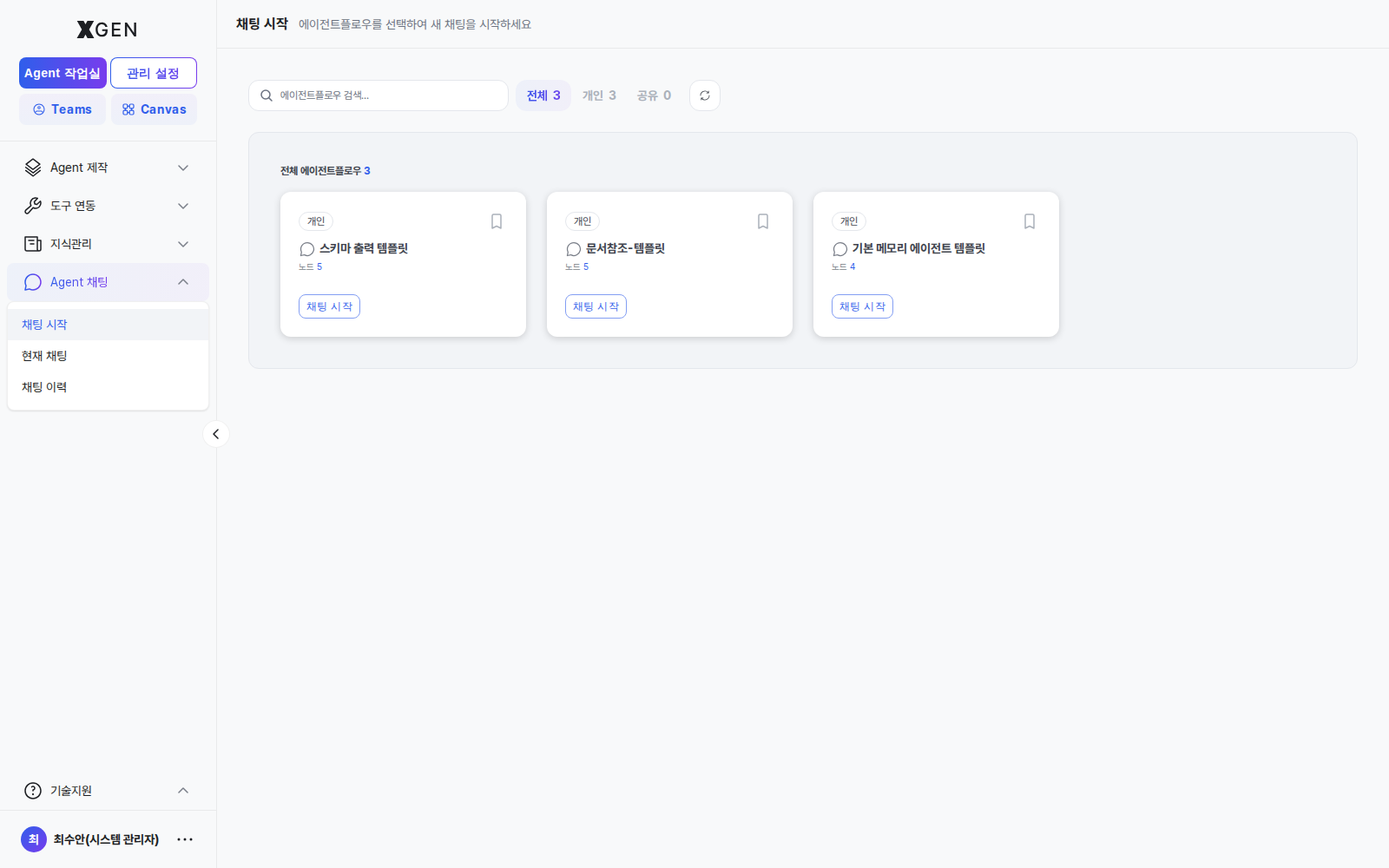
New Chat
- Click + New Chat at the top left of the chat screen
- (If applicable) select the agentflow to use
- Type your message in the input box → Enter or click Send
Each chat session appears in the left list.
Exchanging Messages
| Display | Meaning |
|---|---|
| User message | Right-aligned (usually blue background) |
| Agent response | Left-aligned (usually gray background) |
| Tool call | Shown as a separate box within the response (external API, search, etc.) |
| Citations | Source links at the bottom of the response |
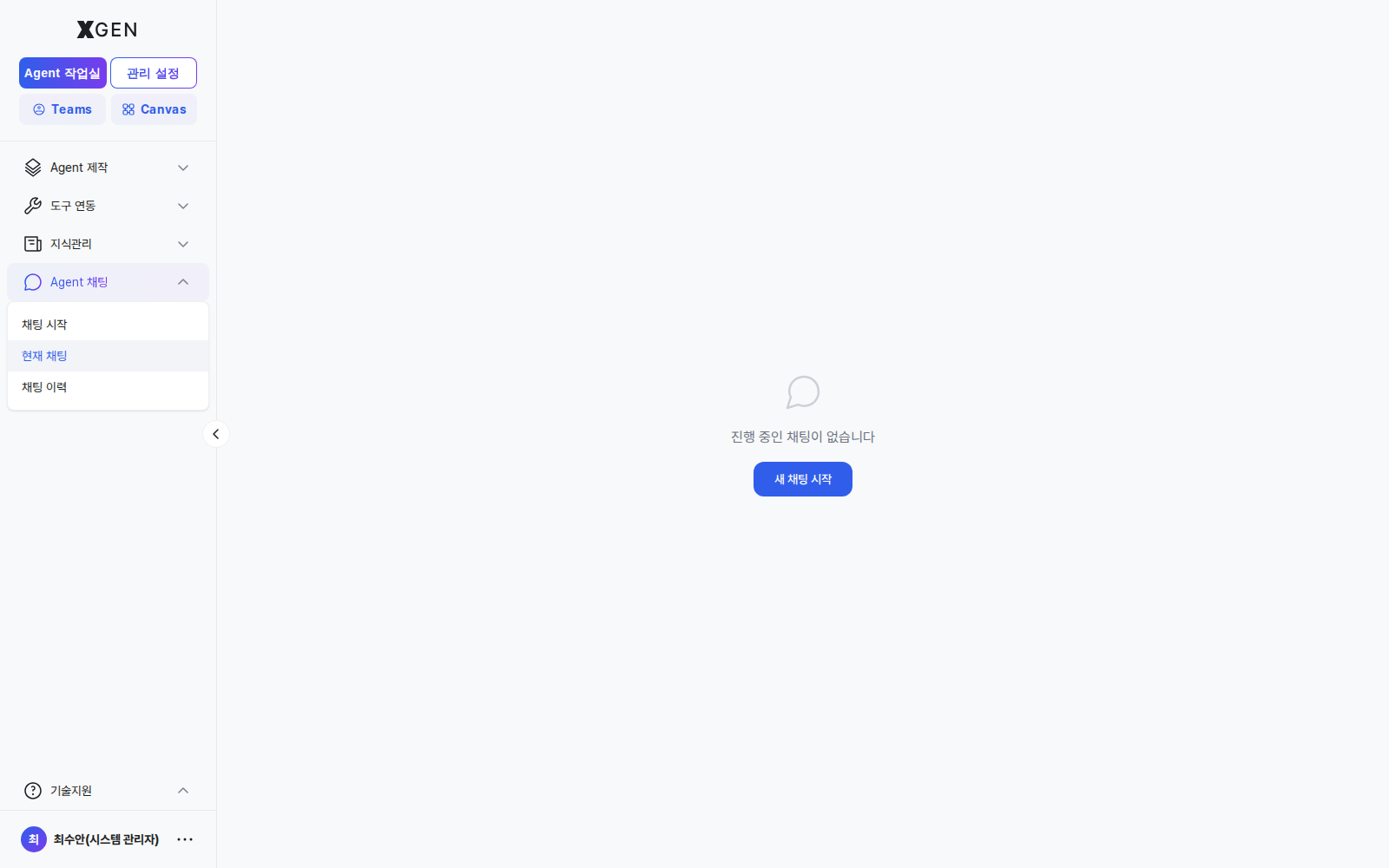
Citations
When the agent references a knowledge collection in its answer, sources appear at the bottom of the response.
- Click a citation → view the original (separate panel or new window)
- Use citations to evaluate answer trustworthiness
Tool Call Results
When the agent invokes an external tool or database, the call's arguments and return values are shown within the response.
Why Tool Calls Are Visible
Showing tool calls lets users verify what data the AI used and how. Inspect this area when a response seems suspicious.
Chat History
The Chat History menu in the left sidebar lets you browse past sessions in chronological order. Clicking a session restores that conversation in full.
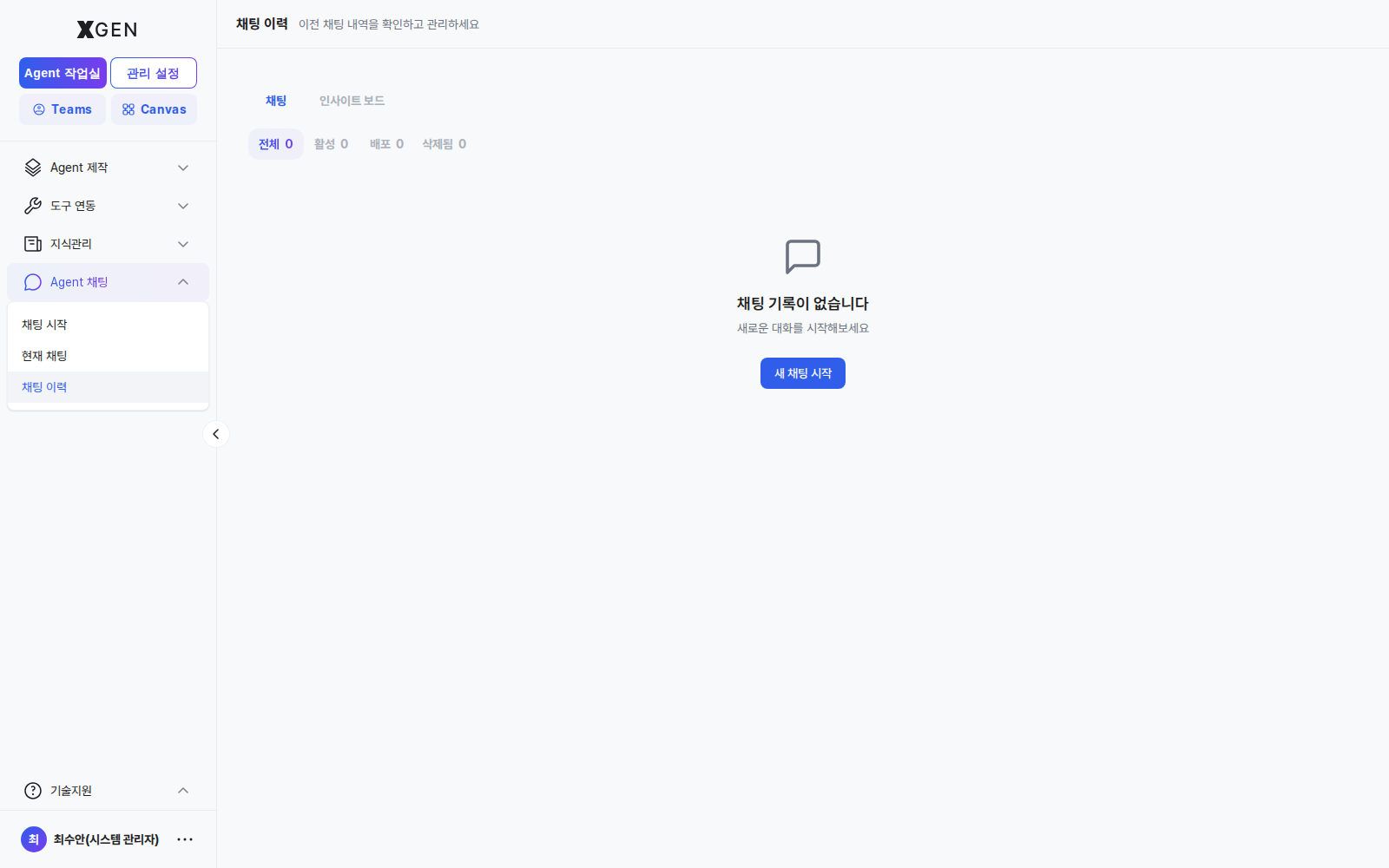
Current Chat / New Chat
| Menu | Behavior |
|---|---|
| Current Chat | An ongoing session (selected from the left list) |
| New Chat | Starts a fresh session. Prior conversation context is not carried over |
When a conversation grows long or shifts topic, starting a New Chat typically yields better responses.
Exporting Conversations
Top-right menu (⋯) → Export options:
| Format | Use |
|---|---|
| Text | Notes, sharing |
| Markdown | Pasting into reports or wikis |
| Printing, archival |
Security Notice
Caution When Entering Sensitive Information
Chat content is retained by the system for audit logs, embedding, and other purposes. Do not enter the following in chat:
- Passwords, API keys
- National ID numbers and other PII
- Confidential company information (per data classification policy)
Contact
For chat-related questions, please contact the Xgen Solution Administrator.