Knowledge Operations
This chapter covers the screens under Admin Center → Knowledge Operations in the left sidebar. Here you manage organization-wide retention policy (TTL) for knowledge collections and review, on a per-user basis, the history of documents uploaded and accessed.
For creating collections, uploading documents, and running embeddings, see the user-side Knowledge Management chapter. This chapter is the admin lens for fleet-wide policy and audit history.
Sidebar Layout
The Knowledge Operations section contains three menus.
| Sidebar menu | Role | Section |
|---|---|---|
| Knowledge Collection Management | TTL retention policy + collection upload history | Knowledge Collection Management |
| File Storage Management | Upload history across all users' file storage | File Storage Management |
| DB Collection Management | Access history across all users' DB links | DB Collection Management |
Knowledge Collection Management
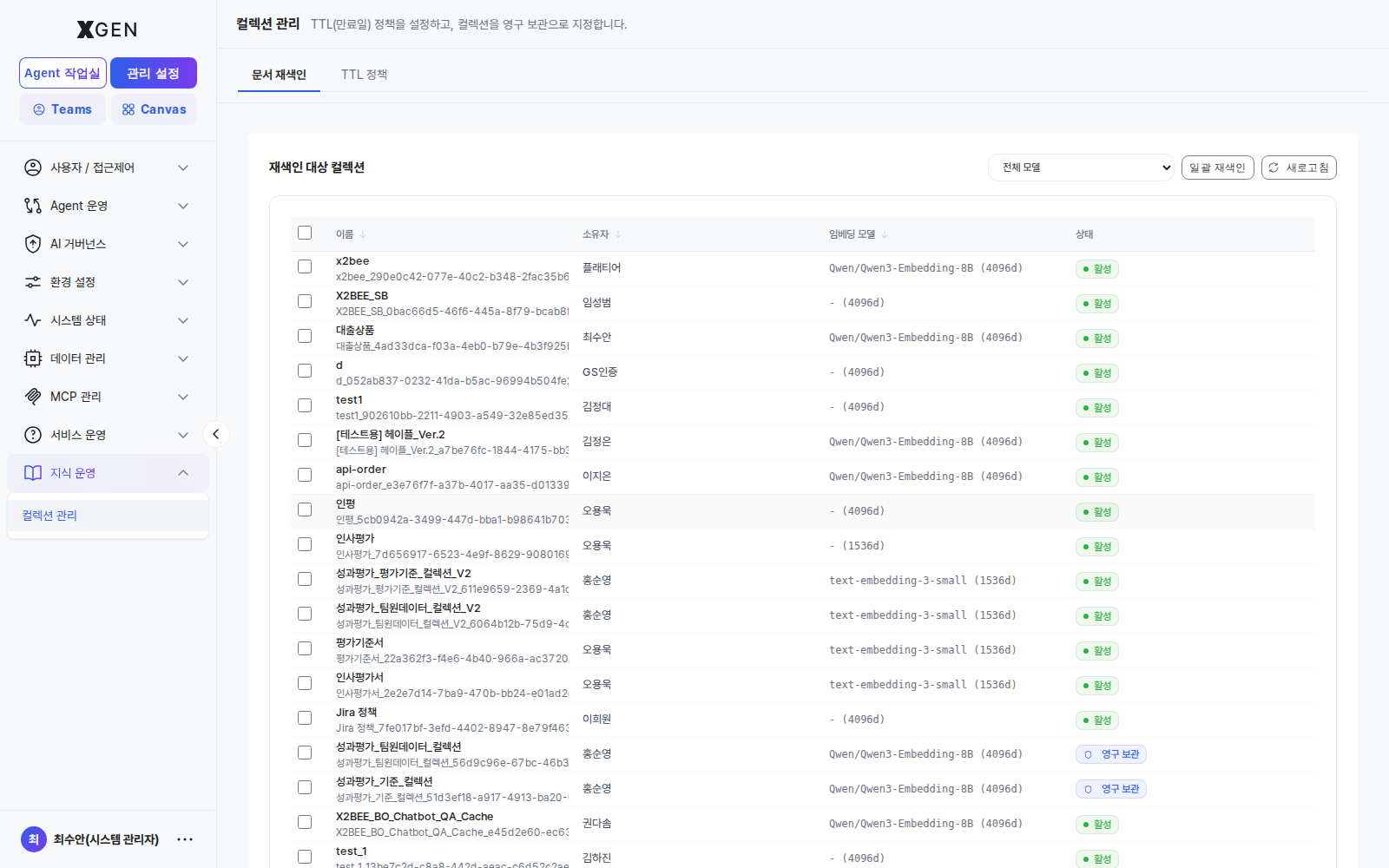
Select Admin Center → Knowledge Operations → Knowledge Collection Management in the left sidebar. The screen has two tabs at the top: TTL Policy and Upload History.
TTL Policy Tab
Applies to the entire organization.
| Field | Default | Meaning |
|---|---|---|
| Max TTL (days) | 90 |
Cap on the expiry users can set when creating a collection |
| Default TTL (days) | 30 |
Default value suggested in the create-collection UI |
| Trash grace period (days) | 14 |
Window between expiry and permanent deletion (recoverable) |
Policy changes apply to new collections only; existing collections keep their original expiry. To re-apply, run a dedicated batch.
The collection table below lists every collection in the organization and lets you flag a collection as Permanent. Marking a collection Permanent removes it from TTL enforcement, so grant it only after explicit approval from the data owner.
Upload History Tab
The Upload History tab shows, per user, the history of documents uploaded to knowledge collections — who uploaded which file to which collection, and whether embedding succeeded.
Search by file name · collection · user at the top, and narrow by status filter (All / Completed / Failed / Processing / Pending / Cancelled). Use Excel Download to export the current view; the download options let you set status, search term, and start/end dates.
| Column | Content |
|---|---|
| User | Uploading user account |
| File name | Original uploaded file name |
| Collection | Target collection |
| Status | Completed / Failed / Processing / Pending / Cancelled |
| File size | Original file size |
| Chunks | Number of chunks generated |
| Elapsed | Time spent on embedding |
| Date | Upload timestamp |
Click a row to expand a detail panel with processing details not shown in the list.
| Detail field | Description |
|---|---|
| User account · Session ID | Uploader and session identifier |
| File type · Collection (internal name) | File type and internal collection name |
| Chunk size · overlap · chunking strategy | Document splitting settings |
| Chunks (total/processed) | Processed chunks out of total |
| Default metadata · force chunking · ontology graph | Processing options applied at upload |
| Storage encryption | Whether encryption at rest was applied |
| Retries | Number of processing retries |
| Duplicate upload | Whether it is the same file (identical files skip the actual upload) |
| Started · Completed · Directory | Processing window and storage path |
File Storage Management
Select Admin Center → Knowledge Operations → File Storage Management in the left sidebar. This screen shows upload history across all users' file storage — files placed in storage, viewed by user and folder, separate from collections.
Search by storage · file name · folder and separately by user at the top; a status filter (All / Completed / Failed / Processing / Pending / Cancelled) and Excel Download are supported.
| Column | Content |
|---|---|
| User | Uploading user account |
| File name | Original uploaded file name |
| Storage | Target storage |
| Folder path | Stored folder path |
| Status | Completed / Failed / Processing / Pending / Cancelled |
| File size | Original file size |
| Elapsed | Time spent processing |
| Date | Upload timestamp |
Click a row to expand the upload's detail panel.
DB Collection Management
Select Admin Center → Knowledge Operations → DB Collection Management in the left sidebar. This screen shows access history across all users' DB collections (DB links) — for audit purposes, which operations users performed against linked databases.
Search by message · action · user at the top; a status filter (All / Success / Info / Warning / Error) and Excel Download are supported.
| Column | Content |
|---|---|
| User | Accessing user account |
| Action | Type of operation performed |
| Endpoint | Endpoint accessed |
| Status | Success / Info / Warning / Error |
| Message | Result message |
| Date | Access timestamp |
Click a row to expand the access detail panel.
Difference from agent-level data-access history
This screen reviews file and DB access history by user. To see which data a specific agent accessed during execution, use the Data Access tab in the agent detail of AI Service Change History. Use this screen for the user perspective, the governance screen for the agent perspective.
Operational Recommendations
- Decide TTL once, review semi-annually — Too short ⇒ repeated re-uploads (operational burden); too long ⇒ disk cost grows. Typically 30–90 days.
- Trash grace ≥ 7 days — Leaves room for users to recover after accidental expiry.
- Approval required for Permanent — Indiscriminate Permanent flagging undermines the TTL policy itself. Define an explicit request-and-review flow.
- Use upload/access history for periodic audits — Review upload and access history monthly to spot abnormal bulk uploads or users with repeated failures, exporting to Excel for reporting when needed.
- Monitor failure status — Repeated failures for a specific user or collection may indicate embedding-setting or file-format issues; check the processing options in the detail panel.
- Orphaned collections — Define a separate hand-over / hard-delete policy for collections whose owners have been deactivated.
Related Chapters
- Knowledge Management — user perspective on creating collections and uploading documents
- Embedding / Search Settings — embedding model and vector DB configuration that drives retrieval quality
- AI Service Change History — agent-level data access and change history
Contact
For questions on Knowledge Operations, please contact the Xgen Solution Administrator.